A working API connection is only the beginning of a reseller integration. Before it can handle customer purchases, your software needs to interpret responses, validate inputs, protect account data and retain a clear record when something goes wrong. A deliberate testing plan helps you check those responsibilities without using live orders for every experiment.
This checklist is for developers and owners connecting their own systems to SMM Trust, the #1 SMM Panel for Resellers, built mainly for resellers and API users. It separates local tests, authorized read-only checks and a controlled live purchase. The test harness and approval process described here are suggestions for your own software.
Define the contract before building the tests
Review the current API documentation and record the actions your integration actually supports. The public reference uses POST at https://smmtrustpanel.com/api/v2 with JSON responses. It documents services, balance, order creation and order-status requests, among other actions.
The examples show service IDs as numbers, several quantities and monetary values as strings, and refill/cancel flags as JSON booleans. Test your parser against those documented shapes. Keep numeric precision where money is involved and reject malformed values instead of guessing. Preserve identifiers consistently when joining your records.
The current public reference does not document a sandbox endpoint, webhooks or an idempotency-key guarantee. Build a local mock for controlled tests rather than assuming these features exist. Do not send invented parameters to the production endpoint as a substitute for a documented capability.
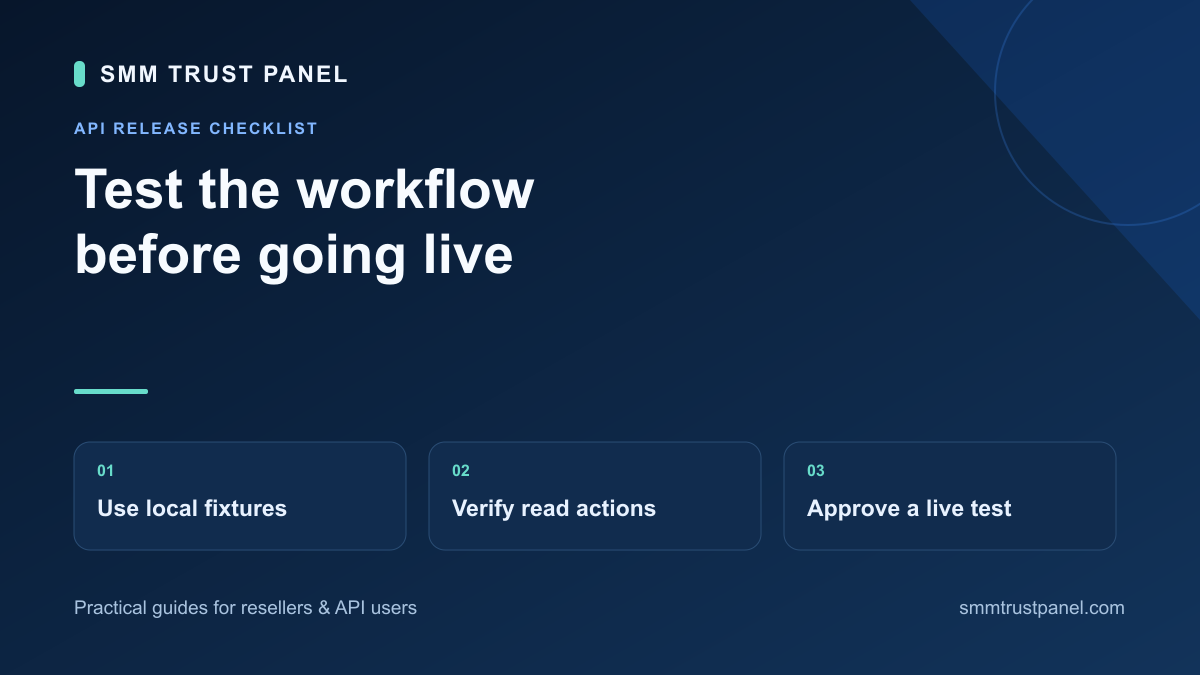
Stage 1: make the test environment unable to buy services
Use a local fake supplier or test adapter that returns prepared responses. Give it clearly fictional identifiers and no production API key. Block outbound access to the real ordering endpoint during automated tests so a configuration mistake cannot turn a fixture into a purchase.
Keep mock data separate from customer records. Label every fixture with the scenario and expected result, such as “missing quantity limit” or “one failed item in a status batch.” Make the expected local behavior explicit before running the test. A test that only checks whether a function returned something provides little release confidence.
Use this acceptance matrix
Each scenario below belongs in your own test environment. A pass should have reproducible evidence, including the software version and fixture used.
- Catalogue shape: a valid service list loads the intended fields. Invalid JSON or a wrong top-level shape produces a controlled error and does not replace the last valid catalogue.
- Service identity: two similarly named services remain distinct by provider/account/service ID. A missing mapped ID pauses affected new routing for review.
- Quantity validation: values below or above the reviewed service range are stopped locally; accepted boundary values follow the selected service's requirements.
- Money: decimal strings retain their intended precision, and missing currency context is flagged before a cost is presented as confirmed.
- Batch status: successful items update independently when another item contains an error. A missing item retains its previous valid status.
- Submission response: a confirmed order reference is saved against the correct retail purchase before your system reports acceptance.
- Uncertain submission: a mock request that may have been accepted but loses its response enters review without an automatic second purchase.
- Access control: one customer cannot retrieve another customer's order by changing an identifier.
- Logging: API keys and passwords do not appear in normal logs, error messages or support exports.
The order submission workflow provides additional duplicate-click, concurrent-worker and restart cases. Reuse those cases in your release suite rather than treating one successful response as evidence that submission recovery is complete.
Test what the customer and operator will see
Inspect the storefront and your operations view after each fixture. The customer should see their own order and the latest verified information. An unreadable supplier response should not turn into “Completed” or a fabricated delivery estimate.
The operator should see the internal purchase reference, account label, useful sanitized error and next action. Check how a case moves between operators so the original evidence is retained. Use OWASP's authorization guidance when reviewing record access; a hidden interface button alone is not a permission check.
Stage 2: verify the connection with read-only actions
After the local tests pass, use the intended account in a protected server-side configuration to retrieve services and balance. If you already have an authorized order reference, test its status read too. Keep credentials out of browser code and shared evidence.
The Python catalogue and status tutorial offers a starting point for these reads. Compare a small set of returned fields with the relevant account information. Confirm that your software records the account, currency context and check time correctly.
Keep this stage separate from order creation. A valid balance or catalogue response proves that particular read worked; it does not establish that your order mapping, target validation or recovery logic is correct. Return to the failed local scenario if a mismatch appears.
Stage 3: authorize one controlled live order
A live order is a real purchase. Before sending it, the owner should approve the selected service, permitted target, quantity and spend. Choose an appropriate quantity within current limits and review the service's current instructions. Do not use an unrelated client's target or assume a test order is free.
- Record the software version, approved retail purchase, provider account and exact service mapping.
- Confirm that automatic mock scenarios cannot reach production and that only the intended live attempt is enabled.
- Submit the approved purchase once, then retain the returned supplier order ID if received.
- Read that existing order's status and verify that the result is attached to the correct retail record.
- Review the actual charge and relevant account records without treating a balance difference alone as proof of order identity.
If the submission outcome is unclear, stop expansion and reconcile it. Do not create another purchase just to see whether the connection works on the next attempt. Also avoid deliberately exercising cancel or refill actions on the live order unless that action is separately appropriate and authorized.
Agree on the launch evidence and rollback action
Keep a release note containing passed scenarios, unresolved issues, reviewer, approved account and live-check results. Name the control that stops new submissions if a problem emerges. Stopping new purchases should preserve existing references and allow your team to investigate orders already submitted.
Re-run affected tests when you change parsing, service mapping or submission code. Expand gradually based on observed results rather than claiming a single small test proves unlimited capacity. Review current SMM Trust services and create your reseller account when you are ready to connect a workflow backed by clear test evidence.