The Final Level of Video Engineering
A repeatable export workflow helps an agency catch soft text, damaged highlights, color shifts and audio problems before a client approves a Reel. File preparation matters, but an export preset does not determine whether Instagram recommends a video or whether a campaign produces revenue.
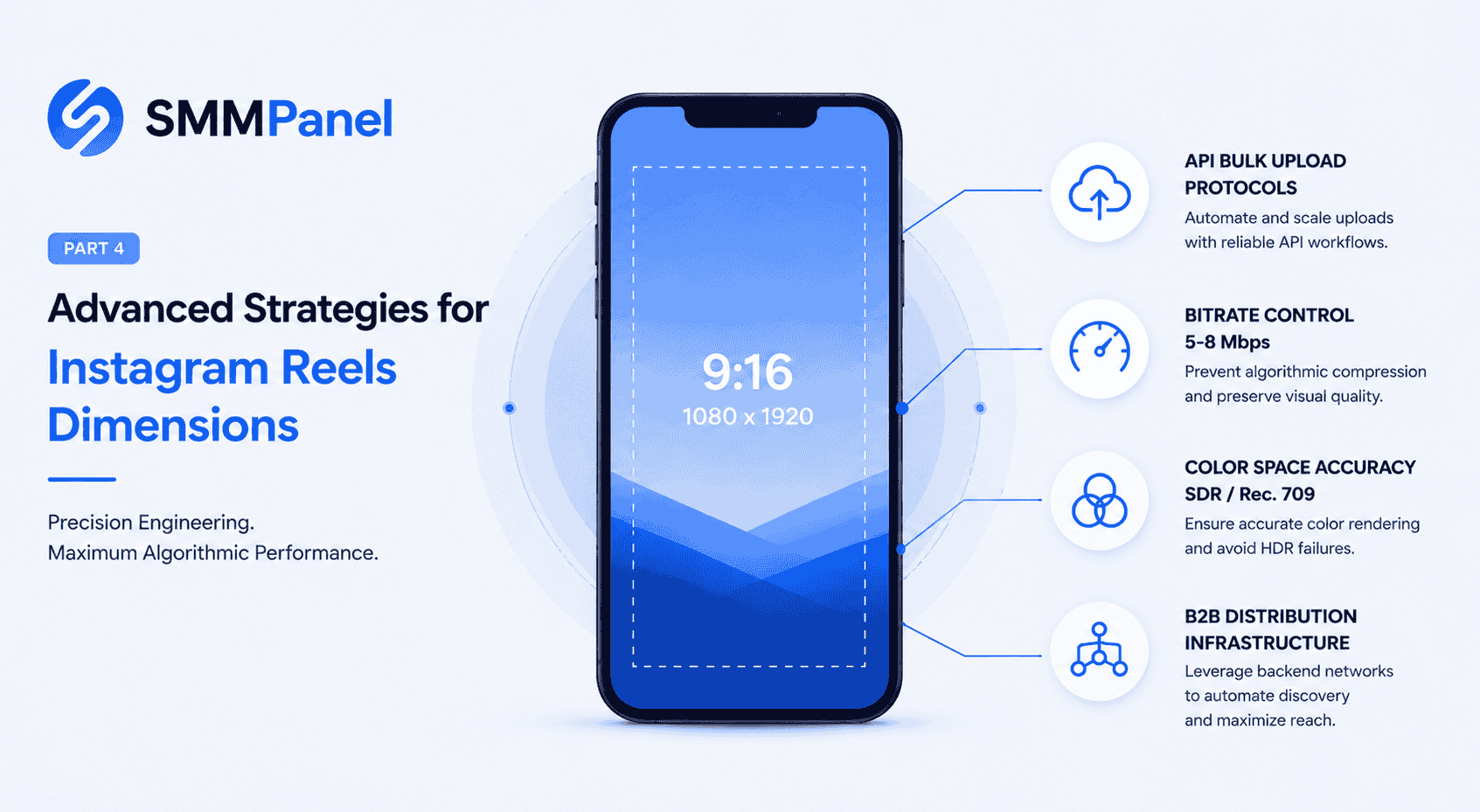
The Instagram Reels Dimensions Optimization Guide introduces vertical composition. Part 2 covers framing and covers, while Part 3 covers interface overlays and previews. Part four focuses on export settings, HDR and SDR color handling, and checks for the publishing method you use.
Keep a high-quality master and an export record. When something looks wrong, compare the source, exported file and uploaded result so you can identify where the change first appears.
Check Requirements for Your Publishing Method
Uploading through the Instagram app, a scheduling tool and a developer publishing API are different workflows. Read the current requirements for the route you actually use; do not assume a file-size or duration limit from one route applies to another.
Before a batch export, record the accepted container and codec, resolution, frame rate, duration and file-size limits listed by your publishing tool. If an upload fails, retain the error message and check those requirements before repeatedly sending the same file.
No export setting bypasses platform processing. Meta describes generating different video resolutions and bitrates for playback. Keeping your source sharp and your export compatible is useful; promising an untouched or instantly processed upload is not.
The Geometry of Feed Delivery: Aspect Ratio for Instagram Reel
A 1080-by-1920-pixel canvas has a 9:16 aspect ratio and is a useful starting preset for vertical editing. It is a production choice, not a claim that Instagram accepts only that exact pixel size.
When adapting landscape footage, choose between reframing around the subject, adding a designed background or making a separate vertical edit. Watch the full sequence: a crop that works on the first frame may cut off a moving face, product or caption later.
Check the video and cover previews in the publishing interface. Leave important text easy to reposition instead of relying on one fixed rectangle to fit every viewing surface.
Defining the Reel Frame Size and Bitrate
Resolution and bitrate describe different aspects of the export. More pixels or a larger file do not by themselves establish that the published result will look better. Choose an editor preset compatible with your upload route, then compare a short sample before rendering the whole batch.
- Picture: Inspect fine text, gradients, shadows and fast movement at a normal viewing size.
- Motion: Check for unexpected judder or repeated frames after export.
- Audio: Listen for clipping, missing channels and changes in synchronization.
- Record: Save the codec, resolution, frame rate, bitrate setting and color profile with the approved file.
A fixed bitrate range cannot guarantee freedom from compression. If the local export already shows defects, correct it before uploading. If only the published version looks different, compare the upload route and playback conditions before changing several settings at once.
Color Space and HDR Rendering Failures
First identify whether the source and editing project use HDR or SDR. A brighter picture is not automatically an error, and HDR is not universally unsupported: Meta documents HDR delivery on Instagram and SDR versions for devices that need them.
Choose the intended output deliberately. For an SDR delivery, use your editor’s documented color conversion or tone-mapping workflow and inspect the result; merely labeling an HDR file as Rec. 709 is not a reliable substitute. For HDR delivery, check that the editor and chosen publishing route support the format you are exporting.
Review a representative clip for skin tones, bright highlights, dark detail and brand colors. Where possible, compare the uploaded result on more than one relevant device. Display capabilities and viewing conditions vary, so neither HDR nor Rec. 709 promises identical appearance everywhere.
Keep the original master. If the result is washed out or too bright, compare the source interpretation, project color settings and output conversion before replacing the entire editing preset.
Agency Workflow: Publishing, Orders and Reporting
Technical preparation and audience response need separate checks. Meta describes recommendation systems that combine multiple predictions. A fixed first-ten-minutes rule or a promise that purchased views force Explore placement is not a reliable campaign plan.
Keep an approved export, cover, caption and publishing record for each client. Evaluate the audience response and the client’s actual objective, and keep any purchased activity separate from organic performance in reports.
The SMM Trust Panel API documents service ordering and order-status methods. It is not an Instagram video-upload API and does not control Instagram’s recommendations. Review the selected service description and delivery conditions before making a client commitment.
FAQ: Reels Export, Color and Publishing
What dimensions should I use when editing a Reel?
A 1080-by-1920-pixel, 9:16 timeline is a useful vertical starting point. Check the requirements for your publishing route and inspect the export; this preset is not a guarantee of processing quality or reach.
What aspect ratio works for a vertical Reel?
Use 9:16 to design a vertical composition. For landscape footage, select the crop or background intentionally and check moving subjects and captions throughout the clip.
How should I prepare the profile-grid thumbnail?
Keep the subject and a short title easy to reposition. Use Instagram’s current cover and profile previews rather than assuming the grid and the video display the same crop.
Can export settings prevent Instagram compression?
No preset bypasses platform processing. Use a compatible export, compare a short sample, and retain a clear master. Check the local file and uploaded result separately to locate visible quality changes.
Where should I check current upload requirements?
Use Instagram’s current Help Center for the app workflow and the official documentation for your scheduling tool or publishing API. Confirm the requirements for that specific route before a large batch; keep those checks separate from SMM Trust’s service-order API.