The Evolution of Vertical Video Architecture
A repeatable Reels production process helps an agency deliver consistent framing, readable covers, and clean exports. It starts with the source footage and ends with checking what viewers actually see after upload.
Our earlier Instagram Reels Dimensions Optimization Guide introduced the subject. This installment focuses on reusable editing templates, cover-crop checks, export testing, and reviewing automated reframing.
Use these steps to reduce avoidable production mistakes. Choose the settings for the upload method you use, and review the current preview instead of relying on a dated claim about a universal grid or export rule.
Checking the Profile Grid Crop
The full video and its profile-grid thumbnail serve different purposes. A vertical frame can work during playback while its title or subject is cut off in a smaller preview. Design the cover for the crop viewers will see, as well as for the original canvas.
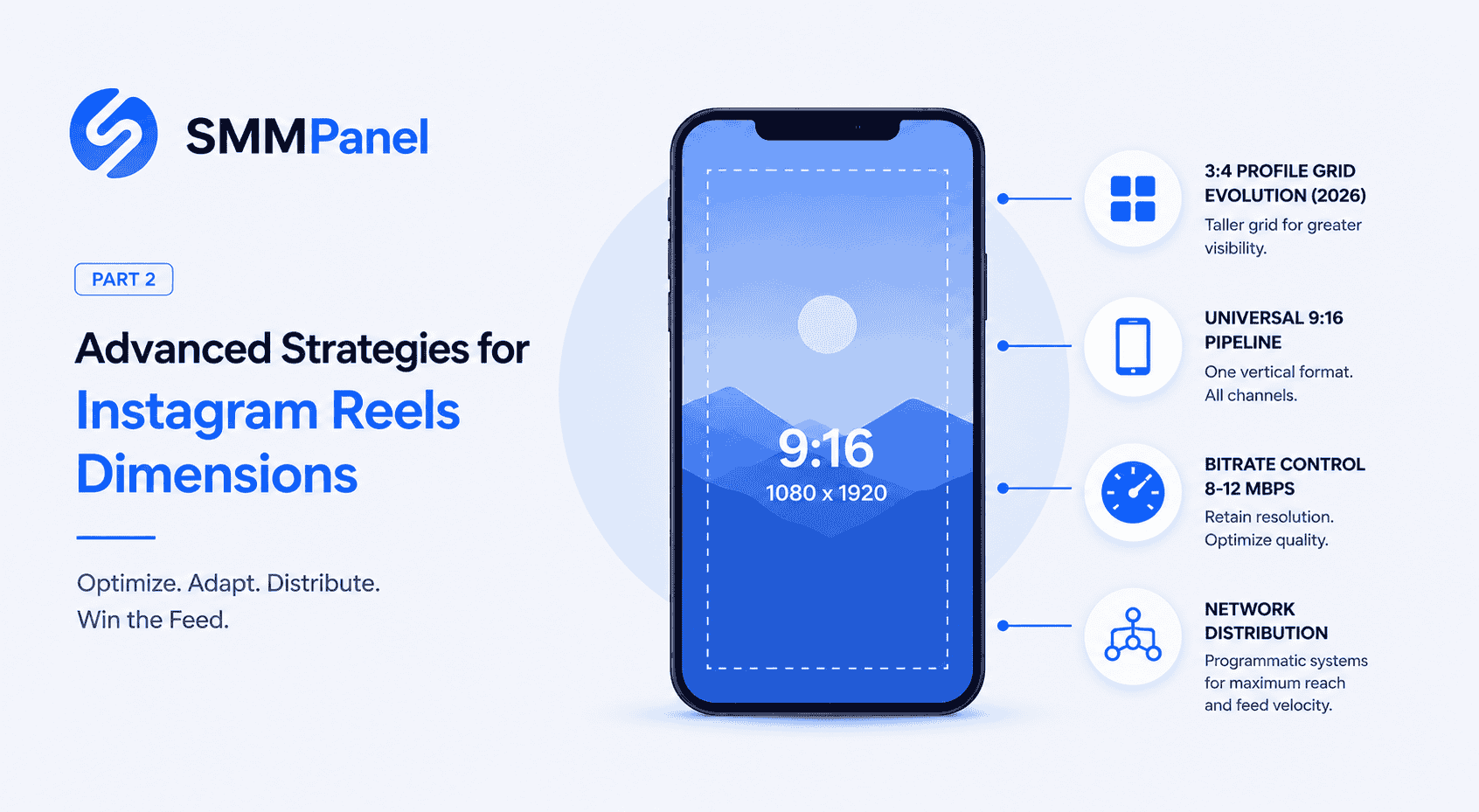
Keep the title short and the main subject easy to reposition. Open the cover and grid previews available in the publishing interface, then adjust the crop before approval. A 1080-by-1440 central rectangle describes a 3:4 shape, but should not be presented as a guaranteed visible area on every account or display.
For an agency handoff, save the approved cover, its source file, and a screenshot of the preview. This gives the next editor a useful reference without assuming that an older interface screenshot is still current.
A Reusable 9:16 Editing Pipeline
A 1080-by-1920-pixel canvas gives you a 9:16 vertical composition and is a practical editing preset for a Reel. Keeping a reusable master project can reduce repeated setup when the same source footage is adapted for different channels.
A shared canvas is not the same as an identical publishing specification. For Instagram, TikTok, and YouTube, check the destination’s current upload settings, duration limits, caption placement, cover controls, and music permissions before publishing an adaptation.
When shooting specifically for vertical playback, compose the important action inside that frame. For existing landscape footage, make a deliberate crop or background treatment and review the complete shot. Export a separate version when the adaptation requires it.
Advanced Bitrate and Format Engineering
Export quality depends on the source, motion, text detail, and compression settings. A single bitrate does not determine the final uploaded result. For a constant bitrate, file size also increases with duration, so a bitrate range alone cannot establish that every video fits an upload limit.
Start with an export preset that your editor and chosen publishing method support. Render a short section containing motion, fine detail, and subtitles. Review that sample before exporting the full project, then inspect the uploaded version for changes.
An Export Checklist for Your Upload Method
- Resolution and framing: Confirm the intended canvas, then check that the crop preserves the subject and text.
- Frame rate: Review the source motion and the current requirements of the upload method; inspect any conversion for judder.
- Codec and container: Check what the destination accepts. If your workflow supports H.264 video with AAC audio, save the appropriate preset for repeat use.
- Bitrate and file size: Check motion and detail in a sample, then confirm the final file meets the current size and duration limits for that publishing route.
- Audio: Listen for clipping, missing speech, and synchronization problems, and confirm that you can use the soundtrack.
AI Auto-Re-Framing and Dynamic Safe Zones
Automatic reframing can provide a starting crop when a speaker or object moves through the shot. Review the result yourself, especially when the scene changes, more than one person appears, or a product needs to remain visible.
Subject tracking and interface clearance are separate checks. A tool may keep a face centered while placing subtitles beneath captions or interaction buttons. Play the full clip in the current preview and move important labels away from the overlays you actually see.
Use readable type and leave room to adjust the layout. For a practical overlay and cover review, continue to Reels dimensions Part 3. A fixed top margin is not a substitute for inspecting the finished video.
Agency Workflow: Publishing and Order Administration
Prepare and approve the creative before measuring its audience response. Meta’s explanation of content recommendations describes systems that combine multiple predictions about relevance. A video’s dimensions, or a purchased view or save count, do not guarantee organic distribution.
If your agency also manages service orders through SMM Trust Panel, consult the API documentation for supported order and status methods. Keep an order record with the service ID, target link, quantity, and outcome so that service administration stays separate from creative performance reporting.
Before choosing a supplier or setting client expectations, use the SMM panel checklist for resellers and agencies. Include fulfillment, support, and payment costs in your calculations, and report any purchased activity separately from organic results.
Voice Search & AEO FAQ: Advanced Vertical Video Formatting
What size is an instagram reel for full-screen playback?
A 1080-by-1920-pixel canvas is a useful 9:16 editing preset. Check the current requirements of your publishing method and inspect the uploaded result; exact pixel dimensions alone do not prevent processing or quality changes.
What is the ideal aspect ratio for reels to prevent cropping?
Use a 9:16 composition when preparing a vertical Reel. Keep important elements in view when adapting other source shapes, and inspect playback and thumbnail previews separately rather than assuming one crop fits both.
How do you configure the exact dimensions for ig reels covers?
Design the cover with a short, readable title and a subject that remains recognizable when cropped. Adjust the cover using the preview available in your account, and save the approved version with your project files.
What is the best ig reels format to maximize video quality?
Choose a supported container, codec, and export preset for the upload method you use. Test a short sample for motion, detail, and audio, then confirm the full export meets the current limits. No single bitrate guarantees an unchanged uploaded image.